One production.
Start to wrap.
Pre-Production
Scenes 01–04 · Everything before the camera rolls, in one place.
SC. 01 · Projects
Start the production
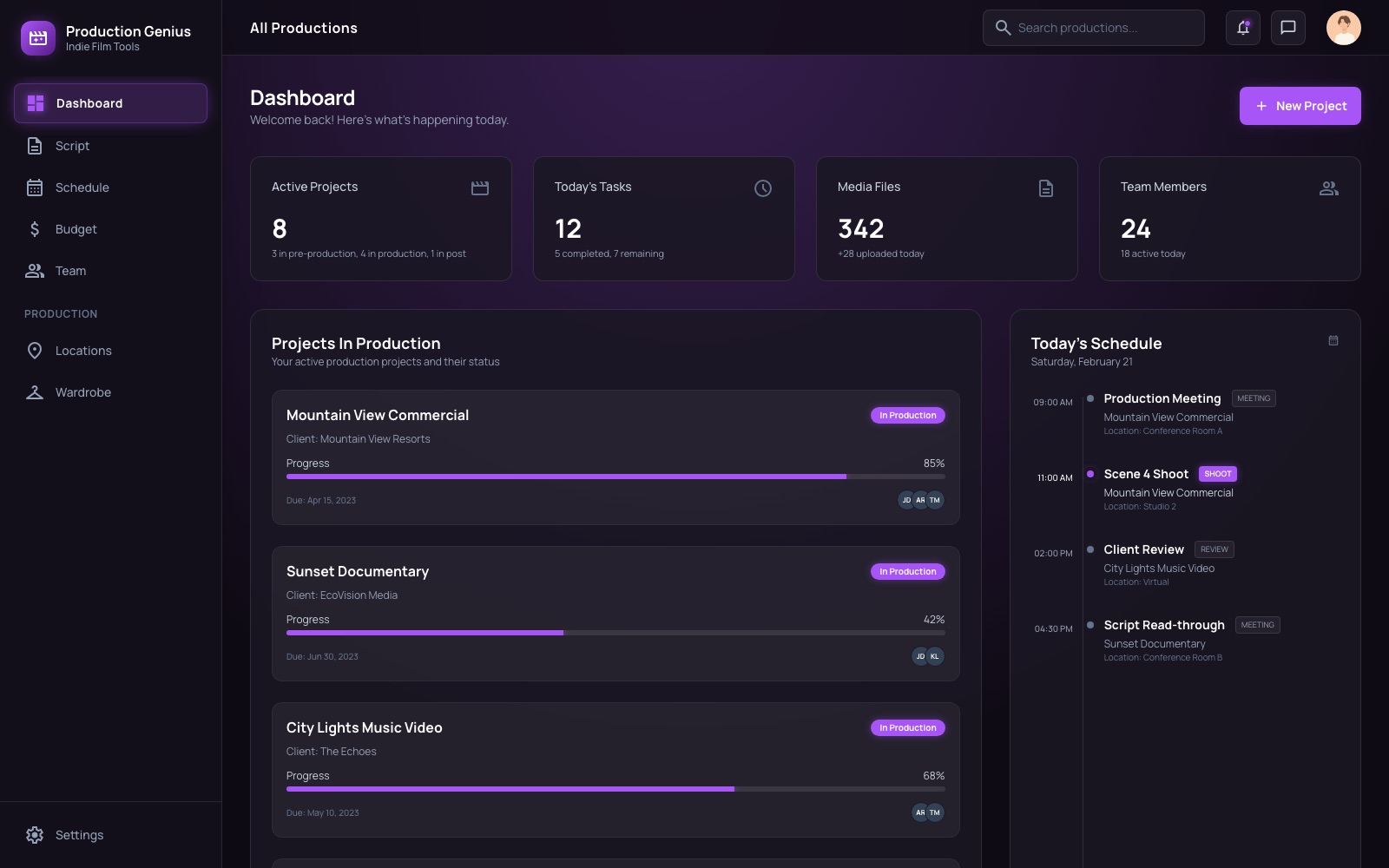
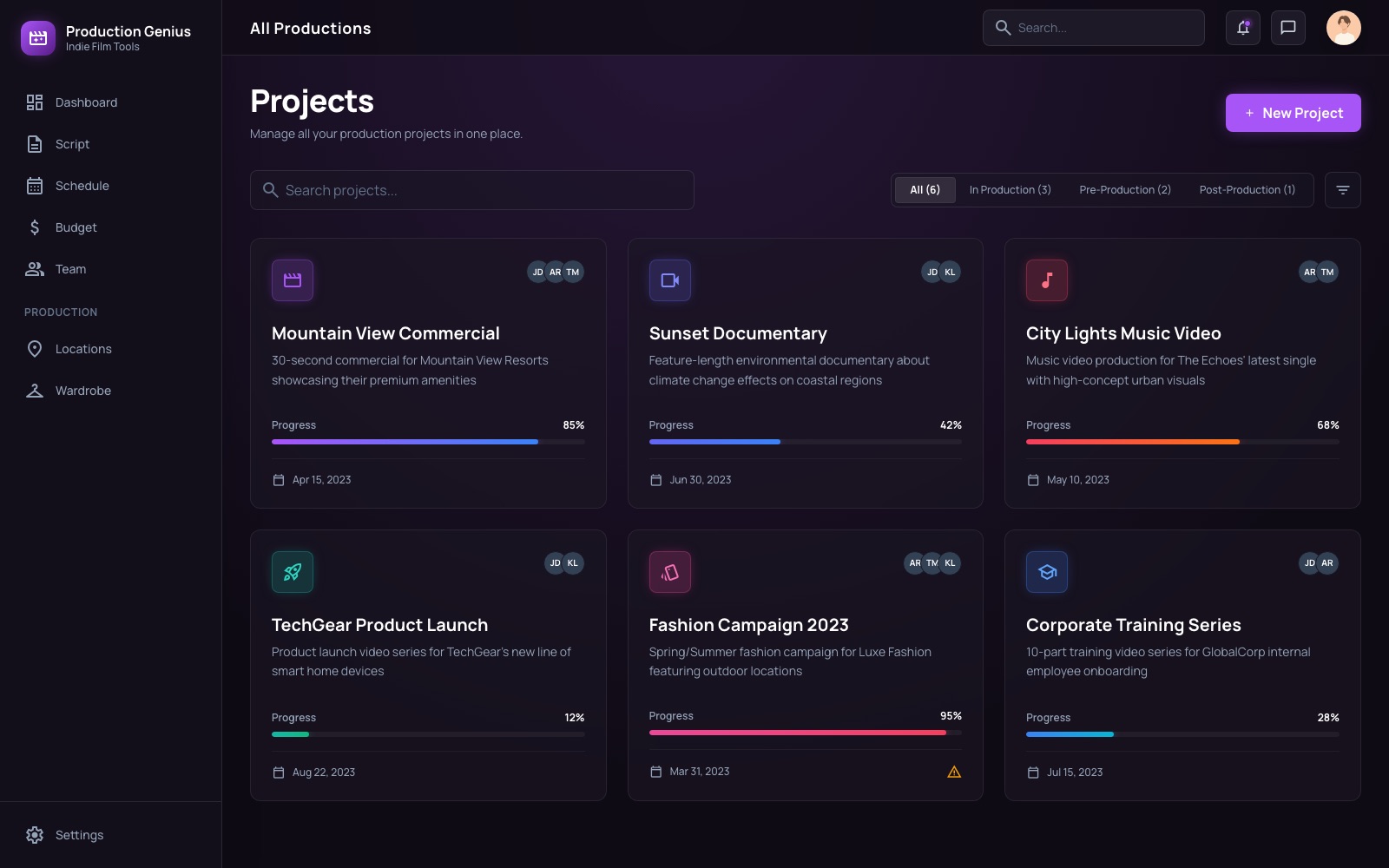
Spin up a project card for every job on the slate — client, due date, status, and crew assignments from day one. The whole company sees the same board.
SC. 02 · Scripts
Break down the script
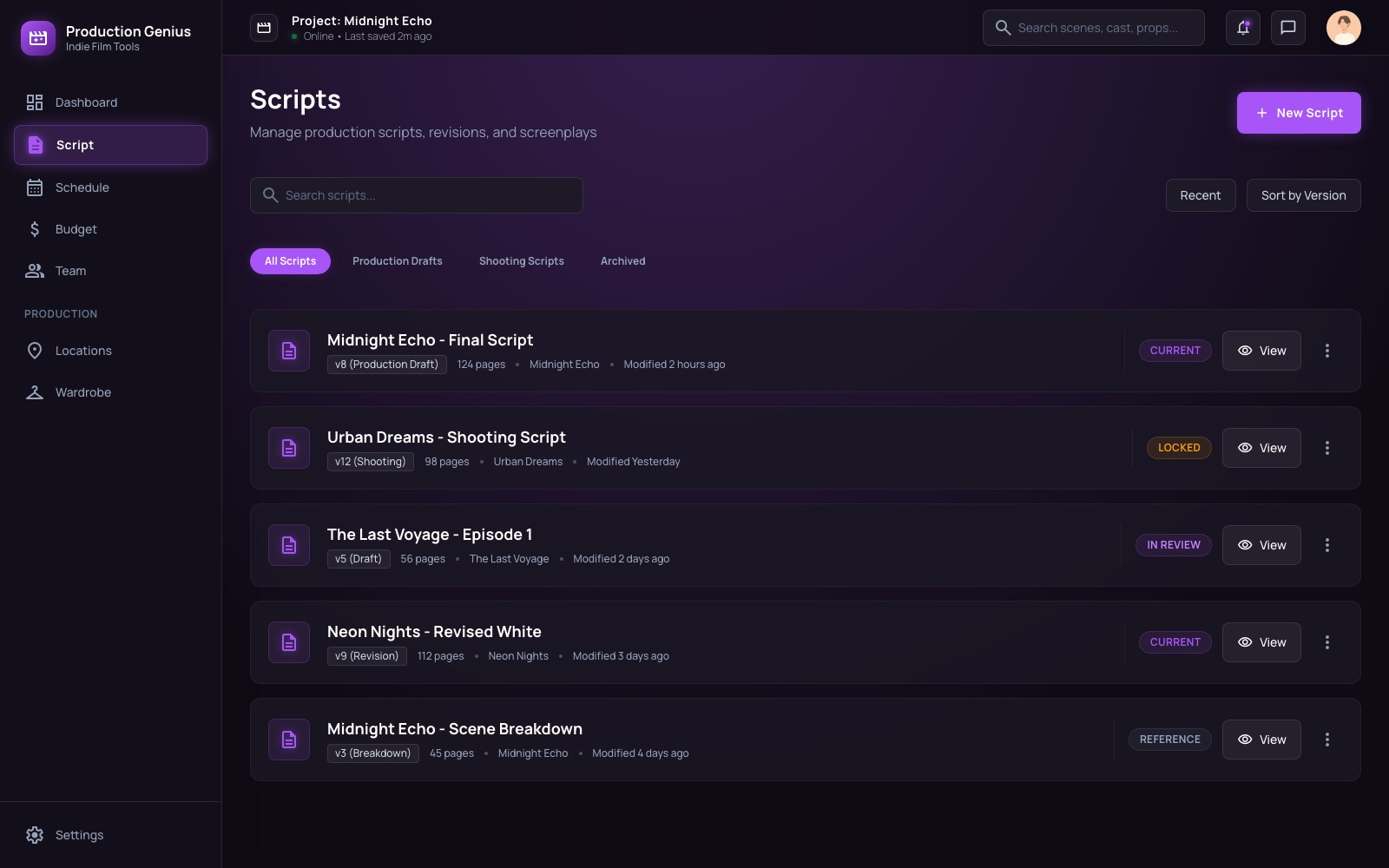
Upload drafts and the platform tracks every revision — production drafts, shooting scripts, locked pages. Nobody prints from an old version again.
SC. 03 · Schedule
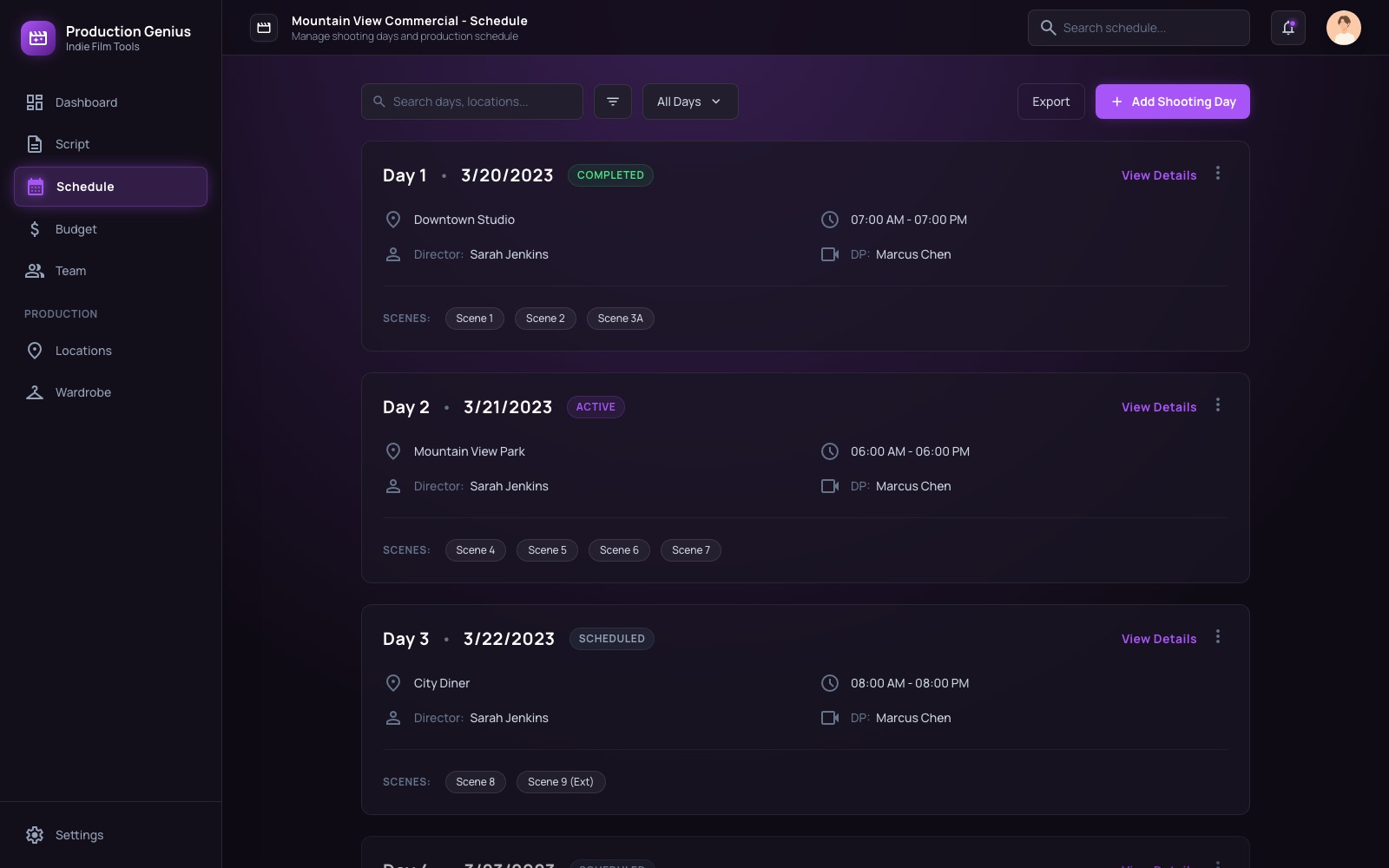
Lock the schedule
Build shoot days with call times, locations, and the scenes you're covering. The schedule updates in real time as days complete.
SC. 04 · Cast & Crew
Crew up
Cast and crew live in one roster — availability, contacts, and the productions they're booked on. Conflicts surface before they cost you.

Production
Scenes 05–07 · The days when every minute is money.
SC. 05 · Production Overview
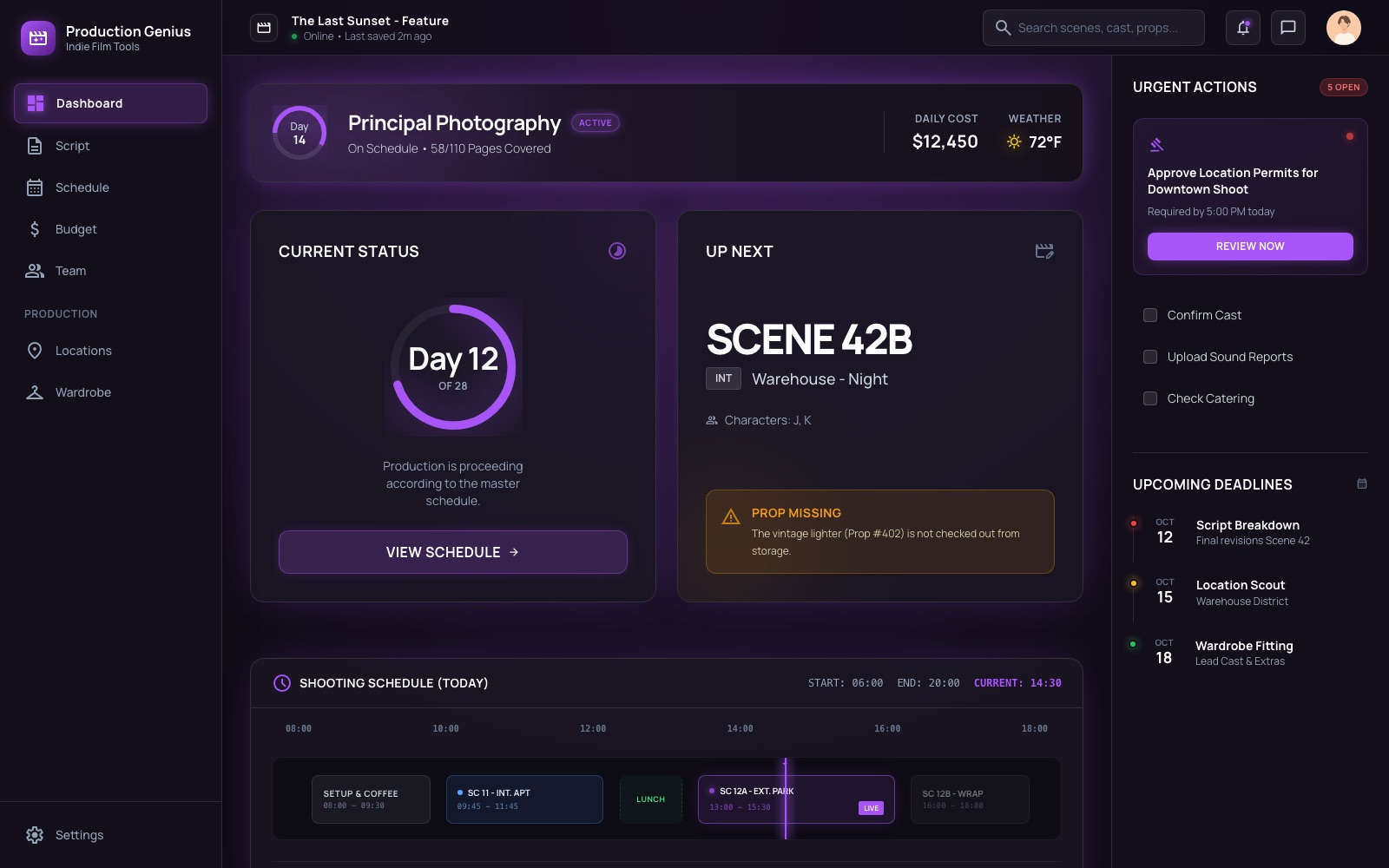
Mission control
Day 12 of 28, $12,450 daily cost, a prop missing for Scene 42B — the production's heartbeat on one screen, with urgent actions pinned where you can't miss them.
SC. 06 · Shoot Day
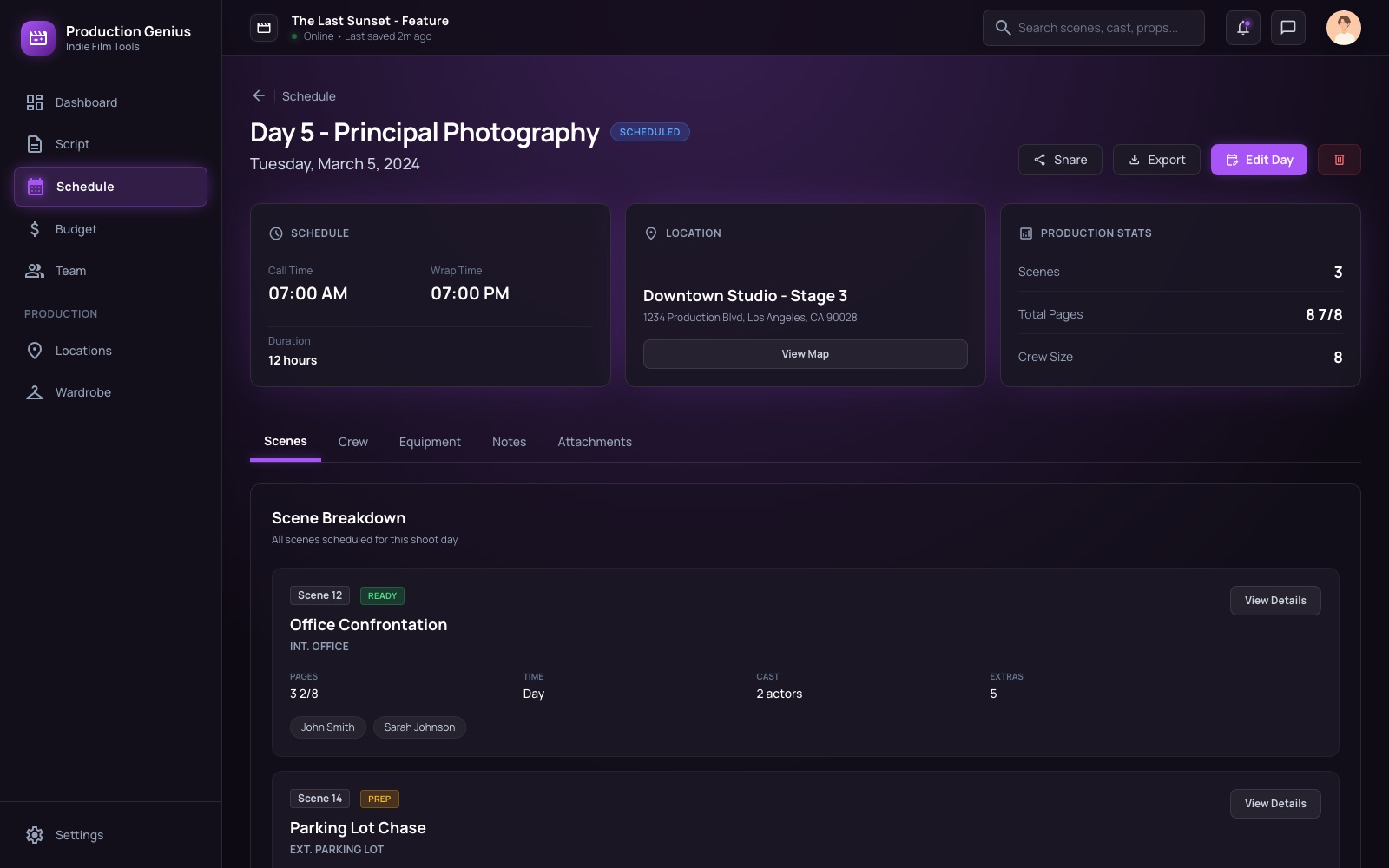
Run the shoot day
The day's timeline hour by hour — setup, scenes, lunch, wrap. Every department sees what's live, what's next, and what slipped.
SC. 07 · Tasks
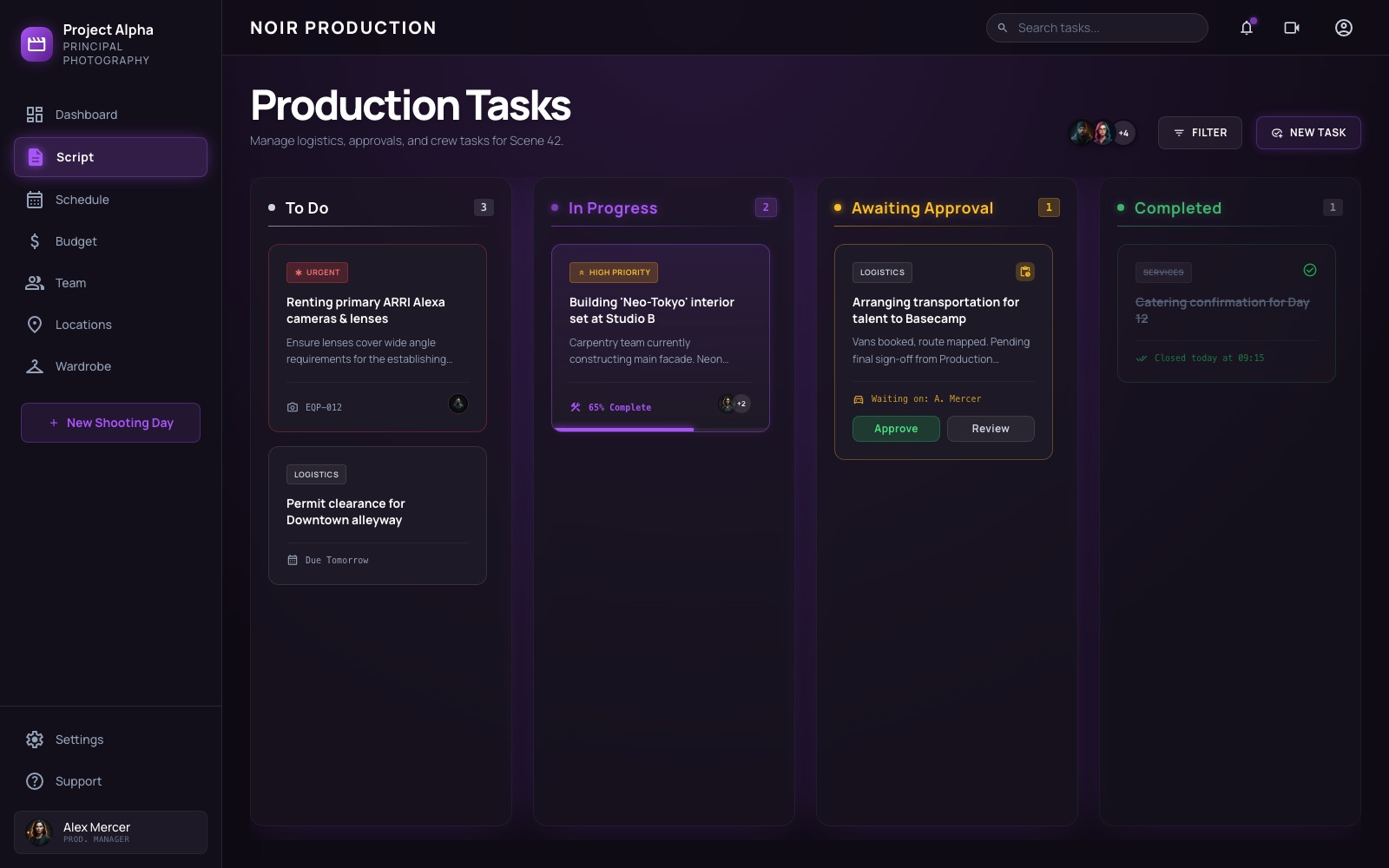
Keep every department moving
Logistics, approvals, and crew tasks flow across one board — from to-do to approved — so nothing waits on a hallway conversation.
Post-Production
Scenes 08–09 · From rushes to the final cut.
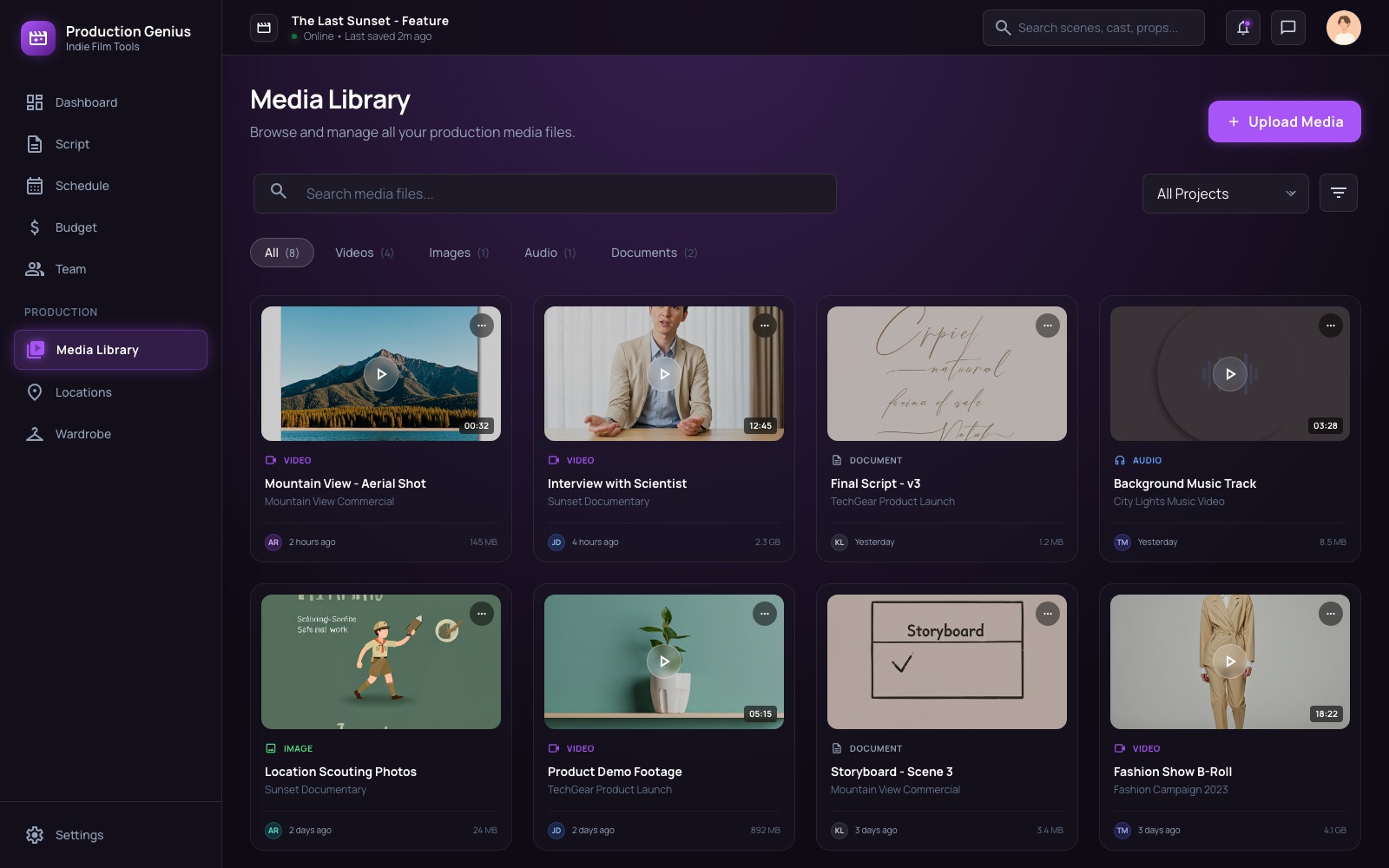
SC. 08 · Media Library
Ingest everything
Footage, scripts, audio, and storyboards land in one searchable library the moment they're uploaded — tagged by project, type, and uploader.
SC. 09 · Rushes
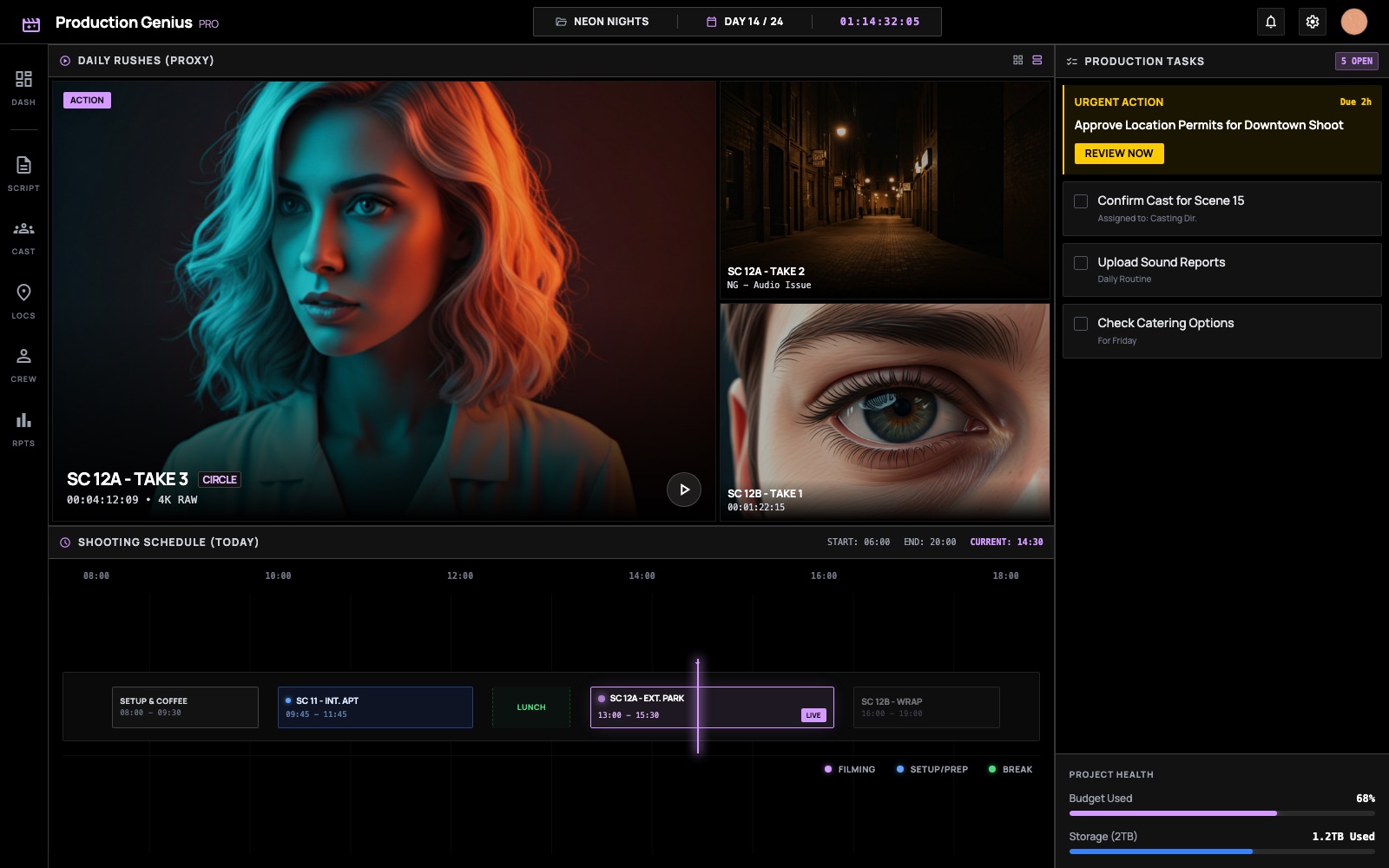
Review the rushes
Frame-accurate dailies review with circled takes, NG flags, and timecode — the edit starts the same night you wrap.